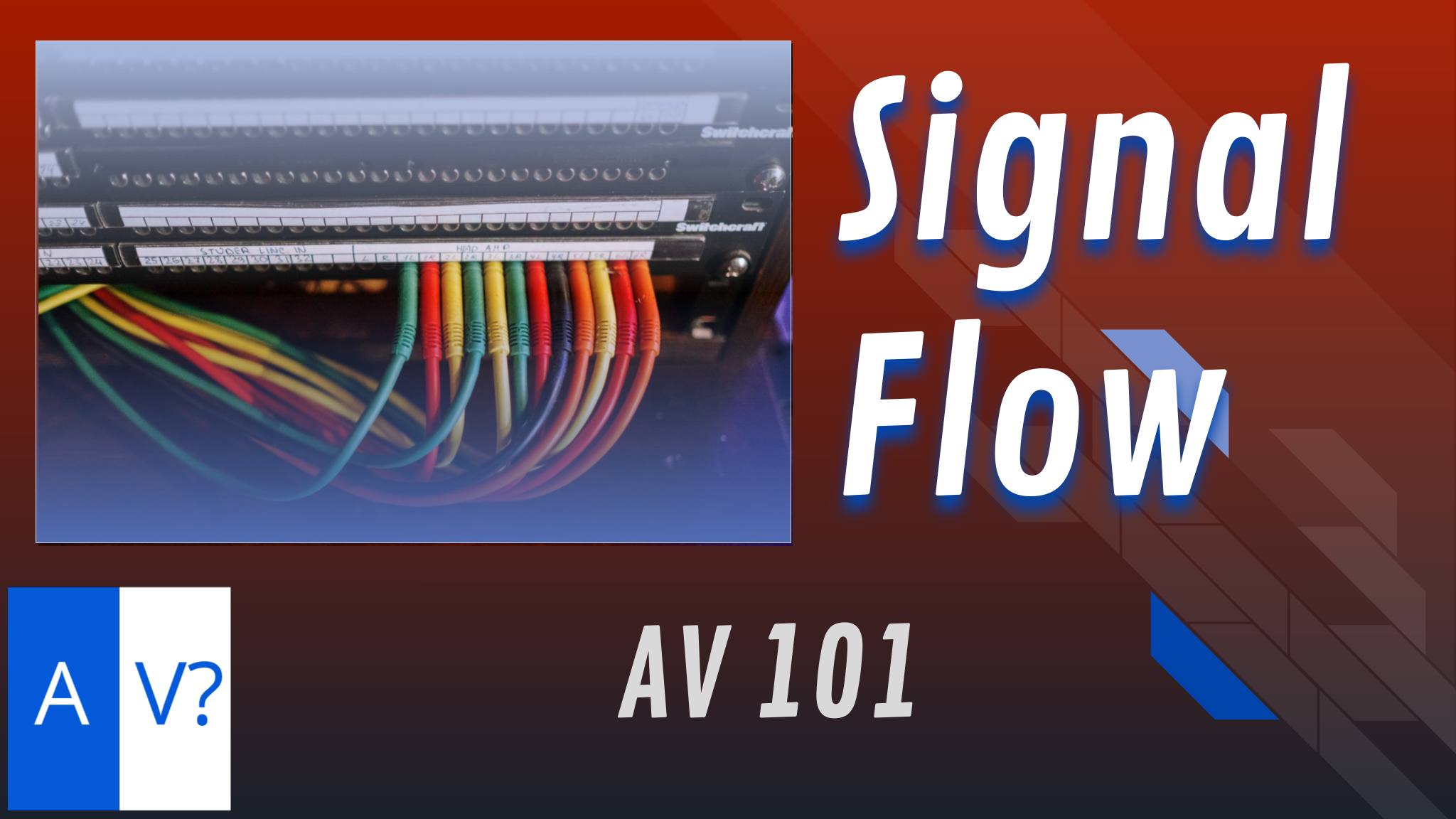
First things first, one of the best pieces of advice I ever received from another tech was that almost every time something is not working properly, it’s probably simple. I can’t tell you how many times the problem was a mute button on a mixer or an unplugged power strip. That’s why the first and most important tech tip is that you need to understand the signal flow.
It’s the path from the source (like a microphone) to the destination (like speakers). If something’s not working, start at the source and ensure everything’s plugged in and set correctly. It could be that a simple cable is unplugged.
If the problem is not obvious at this point, then it is time to go back to the drawing board and start over at the source. Try swapping out the source with a backup, then try the cable connected to it, then check any extension cables attached to that, then try a different input channel. If it still is not working, try a different output channel, such as an aux out on the board. Check your output cables and extension cables that are going to the speakers/amps. If the amps aren’t built into the speakers, check the cables between them and ensure they’re on the right input and output.
Remember, AV needs both signal and power. Countless times, I have seen a tech in the middle of troubleshooting when a fresh set of eyes walks over and turns on the power strip. Like magic, everything starts working.
Finally, if you’ve spent time troubleshooting and are still stumped, ask for help. Even the best techs miss buttons or disconnected cables. If you’ve exhausted all possibilities, consider asking for a second opinion before assuming something’s broken.